

What is eSIM? How to set it up on iPhone and Android
No tray, no tiny card, no paperclip. eSIM is how most new phones in the US connect now, and setup takes a few minutes.
News
Automatic pull request reviews from Claude, now out of preview for Team and Enterprise organizations.

DGTULS may earn a commission when you purchase through links on our site. This never affects our ratings or which products we recommend.
On October 15, 2026, Anthropic made Code Review generally available (Claude). It reviews pull requests automatically, aiming to “catch more bugs before they reach production.”
Code Review is available to Claude Team and Enterprise organizations. It’s no longer a research preview.
Anthropic says most reviews now take about 6 to 10 minutes, down from about 20 minutes during the preview.
The announcement doesn’t list a standard price. It mentions a promotion: eligible Enterprise organizations can claim at least $10,000 in Code Review credits by January 15, 2027. The credits expire 30 days after you claim them, and terms apply. Check with Anthropic for current pricing on your plan.
Individual Claude Code users can still review code locally. Anthropic documents a /code-review command in Claude Code (Claude Code docs). Claude Code is included with Claude Pro ($20/month billed monthly; checked October 18, 2026; source).
Automatic reviews are a good second pair of eyes, not a replacement for a person who knows the code. If your team turns it on, decide early which comments must be fixed and which are just suggestions.
Other tools also review pull requests: GitHub Copilot code review and Cursor’s Bugbot. Copilot code review consumes GitHub Actions minutes since June 1, 2026 (GitHub). See Cursor vs GitHub Copilot.
Prices checked on October 19, 2026.
No tray, no tiny card, no paperclip. eSIM is how most new phones in the US connect now, and setup takes a few minutes.
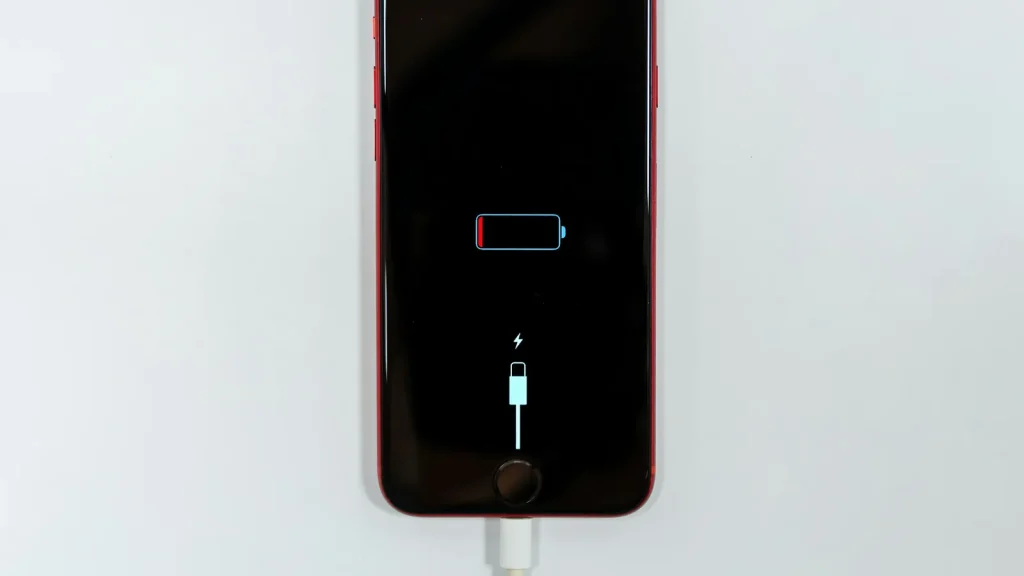
87% doesn't mean your battery is dying. Here's how to read Battery Health, according to Apple.

Android already has a cleanup tool built in. Most people never open it.
Essential cookies keep DGTULS working and are always on. Optional cookies help us measure traffic and show ads. Accept, reject or choose which ones to allow. Learn more in our Cookie Policy, Privacy Policy and Terms of Use.
Your browser's privacy signal is on: ads personalization is off.
Your browser's privacy signal is on: ads personalization is off.
Keeps you signed in, protects forms, and stores this choice.
Counts visits with Google Analytics only after you allow it.
Used by ads and affiliate pixels if those scripts are turned on.
None found on the site.
Set by embedded players such as YouTube, if you load them.