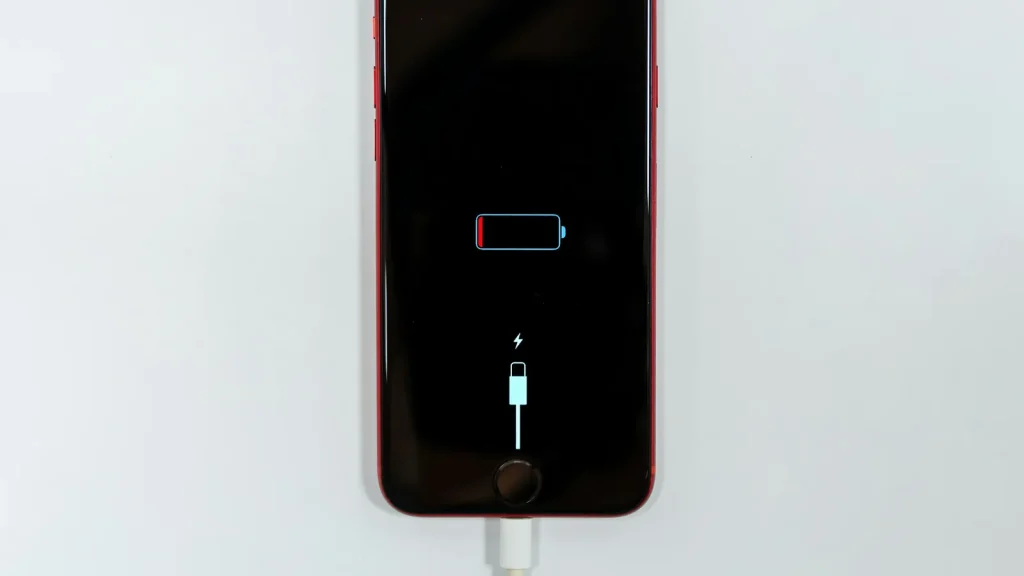
iPhone battery health explained: what the number means and when to replace
87% doesn't mean your battery is dying. Here's how to read Battery Health, according to Apple.
Guide
No tray, no tiny card, no paperclip. eSIM is how most new phones in the US connect now, and setup takes a few minutes.

An eSIM is a SIM card built into your phone. Instead of putting a plastic card in a tray, you download your carrier plan. It does the same job: your number, your plan and your carrier.
In the US, iPhones have been eSIM-only since the iPhone 14, and new phones like the iPhone Duo are eSIM-only too. Most recent Android phones support both.
The downside: moving your number to a new phone depends on your carrier supporting it, and switching an eSIM to an Android phone isn’t always as quick as moving a card.
Apple lists several ways (Apple Support):
eSIM Quick Transfer (from your old iPhone)
eSIM Carrier Activation If your carrier set up the plan when you bought the phone, you’ll see “Carrier Cellular Plan Ready to Be Installed.” Tap it, then Continue, then make a test call.
QR code from your carrier Open the Camera, scan the code and tap Cellular Plan Detected. On iOS 17.4 and later you can also touch and hold a QR code in an email and tap Add eSIM.
On a Pixel and most Android phones, start in Settings > Network & internet > SIMs and choose to add or download a SIM. Your carrier’s app or a QR code does the rest. On Samsung Galaxy, look under Connections > SIM manager. When you move from another phone, setup often offers to bring your eSIM across if your carrier supports it.
Instead of paying daily roaming, you can add a local or travel eSIM and keep your US number for calls and texts:
eSIM is one of those changes that feels scary for a day and then you forget about it. Before you switch phones, make sure your carrier’s app works and you know your account PIN. That’s what you’ll need if the transfer stalls.
Prices checked on 2026-10-23.
87% doesn't mean your battery is dying. Here's how to read Battery Health, according to Apple.
Android already has a cleanup tool built in. Most people never open it.
Before you pay for a bigger iPhone or more iCloud, check what's actually using the space. It's usually three things.
Essential cookies keep DGTULS working and are always on. Optional cookies help us measure traffic and show ads. Accept, reject or choose which ones to allow. Learn more in our Cookie Policy, Privacy Policy and Terms of Use.
Your browser's privacy signal is on: ads personalization is off.
Your browser's privacy signal is on: ads personalization is off.
Keeps you signed in, protects forms, and stores this choice.
Counts visits with Google Analytics only after you allow it.
Used by ads and affiliate pixels if those scripts are turned on.
None found on the site.
Set by embedded players such as YouTube, if you load them.