

What is eSIM? How to set it up on iPhone and Android
No tray, no tiny card, no paperclip. eSIM is how most new phones in the US connect now, and setup takes a few minutes.
Guide
Most battery advice online is outdated. These are the settings Apple and Google themselves recommend, and the two we'd turn on first.

There’s a lot of battery advice online, and much of it is outdated or just wrong. So for this guide we only used what Apple and Google say in their own support pages. The good news: the two changes that matter most take about 30 seconds.
There are two different goals here:
Some settings help one, some help both.
1. Limit how full your battery charges.
2. Or let the phone learn your routine. If 80% isn’t enough for your day, use the smart option instead:
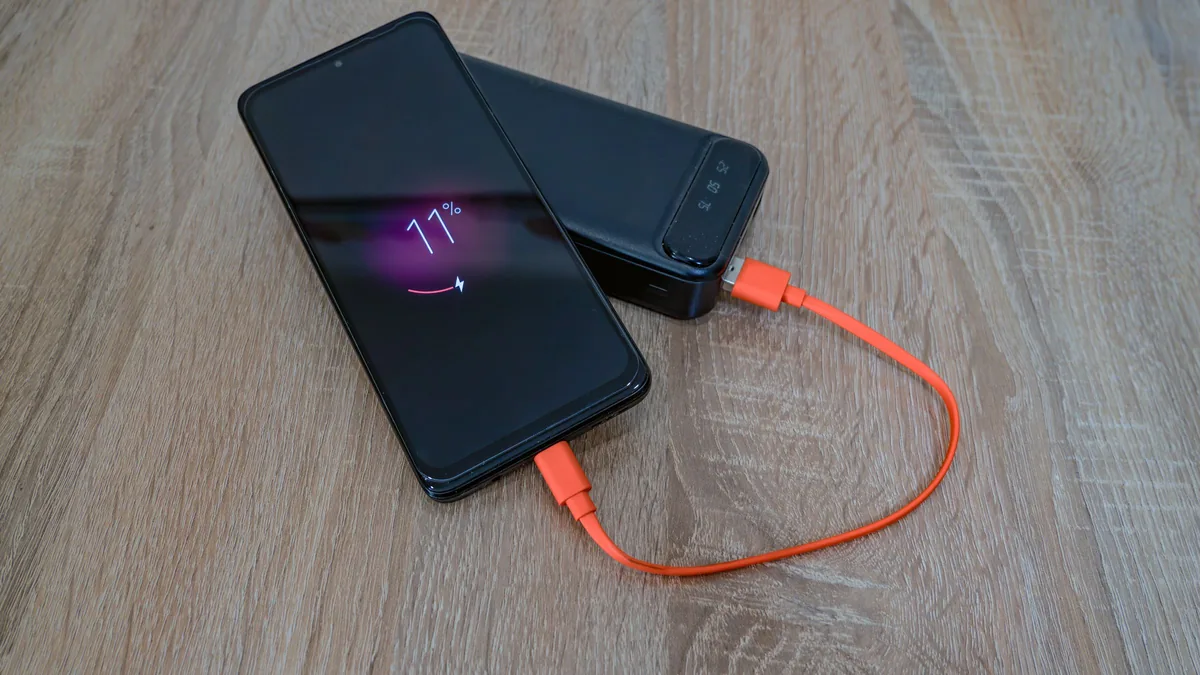
On iPhone (from Apple’s battery guidance):
On Pixel (from Google’s Pixel help):
Apple’s numbers are worth knowing:
(Apple)
In practice: don’t leave your phone on a car dashboard, don’t charge it under a pillow, and don’t game while fast-charging on a hot day.
If you’re keeping an old phone in a drawer, Apple recommends charging it to about 50%, turning it off, and storing it somewhere cool. Top it up to 50% every six months. Storing it full or completely empty wears the battery faster (Apple).
What helped your battery the most? Add your tip, with your phone model, in the battery thread in our forum.
Prices checked on 2026-10-22.
No tray, no tiny card, no paperclip. eSIM is how most new phones in the US connect now, and setup takes a few minutes.
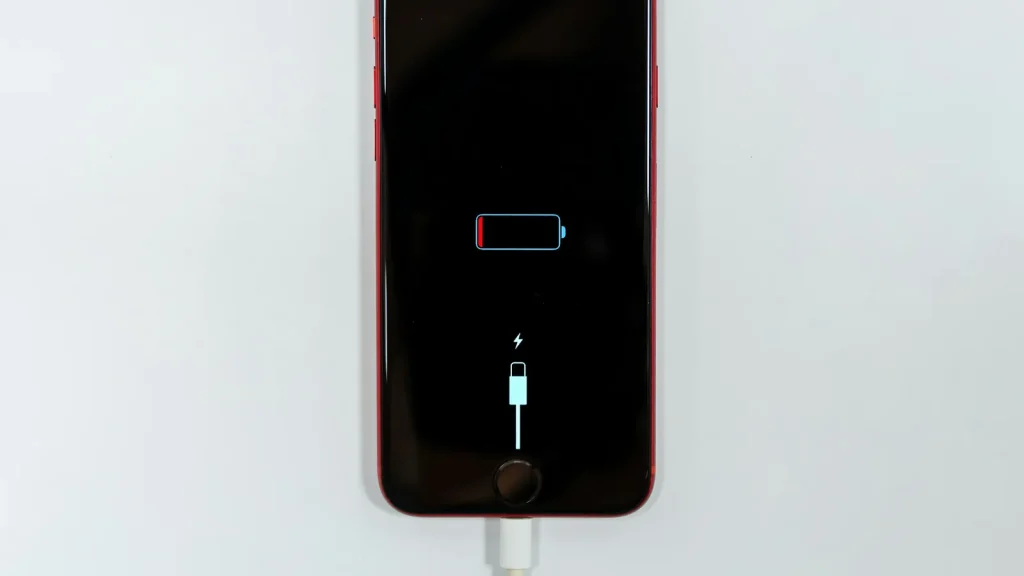
87% doesn't mean your battery is dying. Here's how to read Battery Health, according to Apple.
Android already has a cleanup tool built in. Most people never open it.
Essential cookies keep DGTULS working and are always on. Optional cookies help us measure traffic and show ads. Accept, reject or choose which ones to allow. Learn more in our Cookie Policy, Privacy Policy and Terms of Use.
Your browser's privacy signal is on: ads personalization is off.
Your browser's privacy signal is on: ads personalization is off.
Keeps you signed in, protects forms, and stores this choice.
Counts visits with Google Analytics only after you allow it.
Used by ads and affiliate pixels if those scripts are turned on.
None found on the site.
Set by embedded players such as YouTube, if you load them.