

What is eSIM? How to set it up on iPhone and Android
No tray, no tiny card, no paperclip. eSIM is how most new phones in the US connect now, and setup takes a few minutes.
Guide
Premium requests are gone. Here's how Copilot's AI credits work, in plain English.

DGTULS may earn a commission when you purchase through links on our site. This never affects our ratings or which products we recommend.
On June 1, 2026, GitHub Copilot moved from “premium requests” to usage-based billing with GitHub AI Credits (GitHub changelog). If your Copilot bill or limits feel different, this is why.
These stay included in paid plans.
| Plan | Price | AI credits per month |
|---|---|---|
| Free | $0 | Limited: 2,000 completions and 50 chat requests |
| Pro | $10/month | 1,500 |
| Pro+ | $39/month | 7,000 |
| Max | $100/month | 20,000 |
| Business | $19/seat/month | 1,900 per user, pooled |
| Enterprise | $39/seat/month | 3,900 per user, pooled |
GitHub’s plans page shows each paid plan as a base credit amount equal to its price, plus an optional “flex” allotment. For example, Pro has a $10 base plus a $5 flex, which matches the 1,500-credit total in the docs (GitHub plans).
GitHub says “Fallback experiences will no longer be available.” You no longer get dropped to a cheaper model. Instead:
AI credits make Copilot fairer for light users and more expensive for people who run long agent sessions on big models. Check your usage page after the first week of the month and switch heavy tasks to a cheaper model if you're burning through credits.
AI credits make Copilot fairer for light users and more expensive for people who run long agent sessions on big models. Check your usage page after the first week of the month and switch heavy tasks to a cheaper model if you're burning through credits.
Read the full GitHub Copilot review or compare it with Cursor.
Prices checked on October 18–19, 2026.
No tray, no tiny card, no paperclip. eSIM is how most new phones in the US connect now, and setup takes a few minutes.
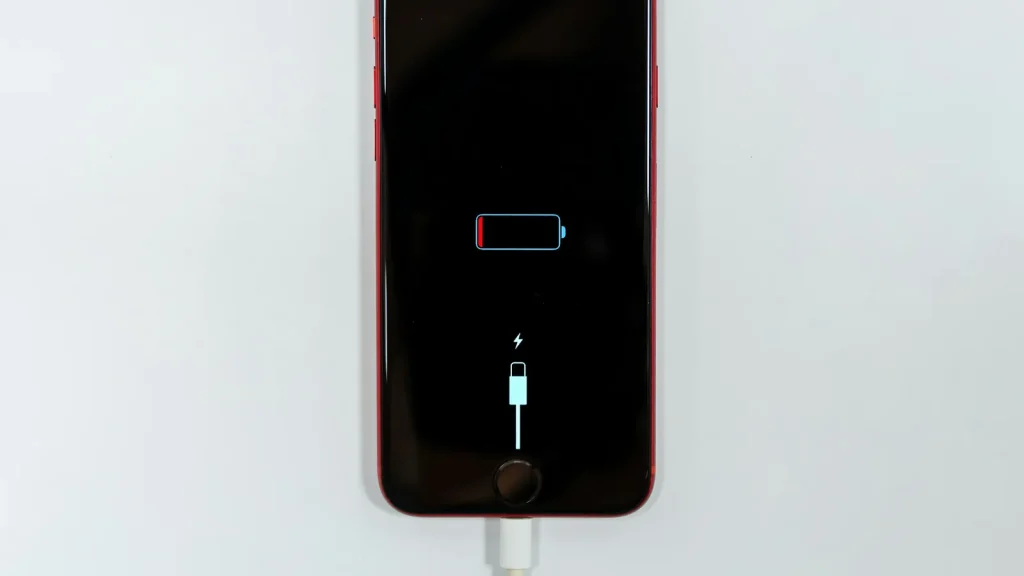
87% doesn't mean your battery is dying. Here's how to read Battery Health, according to Apple.

Android already has a cleanup tool built in. Most people never open it.
Essential cookies keep DGTULS working and are always on. Optional cookies help us measure traffic and show ads. Accept, reject or choose which ones to allow. Learn more in our Cookie Policy, Privacy Policy and Terms of Use.
Your browser's privacy signal is on: ads personalization is off.
Your browser's privacy signal is on: ads personalization is off.
Keeps you signed in, protects forms, and stores this choice.
Counts visits with Google Analytics only after you allow it.
Used by ads and affiliate pixels if those scripts are turned on.
None found on the site.
Set by embedded players such as YouTube, if you load them.