

What is eSIM? How to set it up on iPhone and Android
No tray, no tiny card, no paperclip. eSIM is how most new phones in the US connect now, and setup takes a few minutes.
Guide
Why you hit Claude's limit when you did, and how to make your usage last longer.

DGTULS may earn a commission when you purchase through links on our site. This never affects our ratings or which products we recommend.
Claude has two kinds of limits: usage limits, which cap how much you can use over time, and length limits, which cap how long a single chat can grow. This guide explains both, based on Anthropic’s help center (Anthropic Help).
How much you get depends on your plan. Pro gives “at least 5x more usage per 5-hour session than Free.” Max 5x and Max 20x give 5 and 20 times Pro’s per-session allowance (Claude pricing, Max plan).
Anthropic lists these factors:
You can:
The context window is Claude’s “working memory” for a single chat. On paid plans it’s 1M, 500K or 200K tokens, depending on the model. Part of it is reserved for Claude’s reply.
When a chat gets close to the limit with code execution on, Claude automatically summarizes earlier messages, and your full history is kept. Long chats like that use more of your usage limit, though.
From Anthropic’s own recommendations:
Most people hit the limit because of a few long chats with tools turned on, not because they use Claude too much. Start fresh chats, turn off connectors you don't need, and use a lighter model for quick questions before you think about upgrading.
Most people hit the limit because of a few long chats with tools turned on, not because they use Claude too much. Start fresh chats, turn off connectors you don't need, and use a lighter model for quick questions before you think about upgrading.
If you hit the limit several times a week, compare plans in Claude Pro vs Max. In late September 2026, Anthropic also raised five-hour limits on Pro, Max, Team and seat-based Enterprise plans with the Opus 5.5 launch (Anthropic).
Prices checked on October 19, 2026.
No tray, no tiny card, no paperclip. eSIM is how most new phones in the US connect now, and setup takes a few minutes.
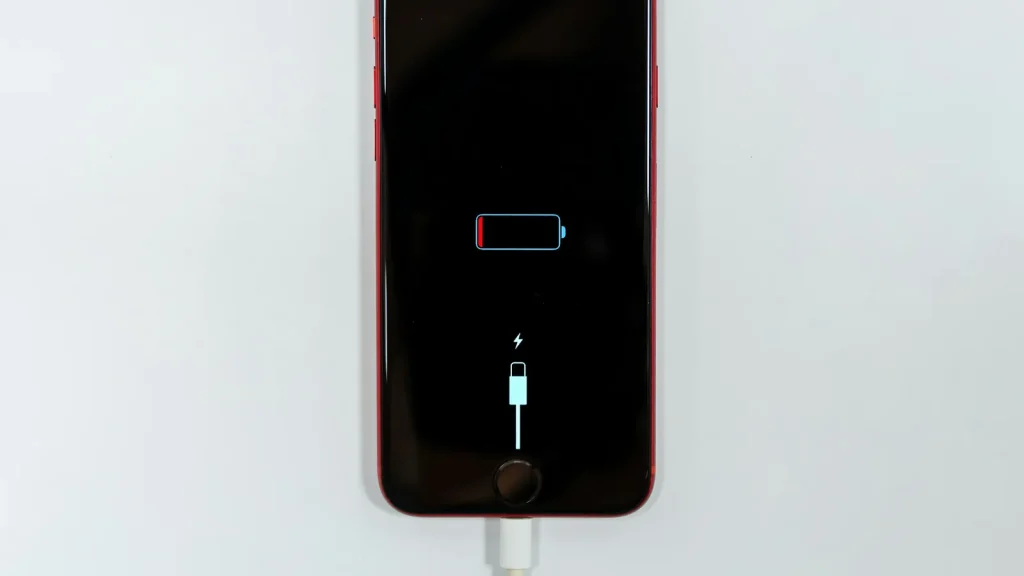
87% doesn't mean your battery is dying. Here's how to read Battery Health, according to Apple.
Android already has a cleanup tool built in. Most people never open it.
Essential cookies keep DGTULS working and are always on. Optional cookies help us measure traffic and show ads. Accept, reject or choose which ones to allow. Learn more in our Cookie Policy, Privacy Policy and Terms of Use.
Your browser's privacy signal is on: ads personalization is off.
Your browser's privacy signal is on: ads personalization is off.
Keeps you signed in, protects forms, and stores this choice.
Counts visits with Google Analytics only after you allow it.
Used by ads and affiliate pixels if those scripts are turned on.
None found on the site.
Set by embedded players such as YouTube, if you load them.