
What is eSIM? How to set it up on iPhone and Android
No tray, no tiny card, no paperclip. eSIM is how most new phones in the US connect now, and setup takes a few minutes.
News
OfficialSource: Google Pixel Help (update policy). Details about the final Android version are reported by Droid Life and Tech Advisor.
Your Pixel 6 won't stop working. But it's about to stop getting security fixes, and that changes how you should use it.
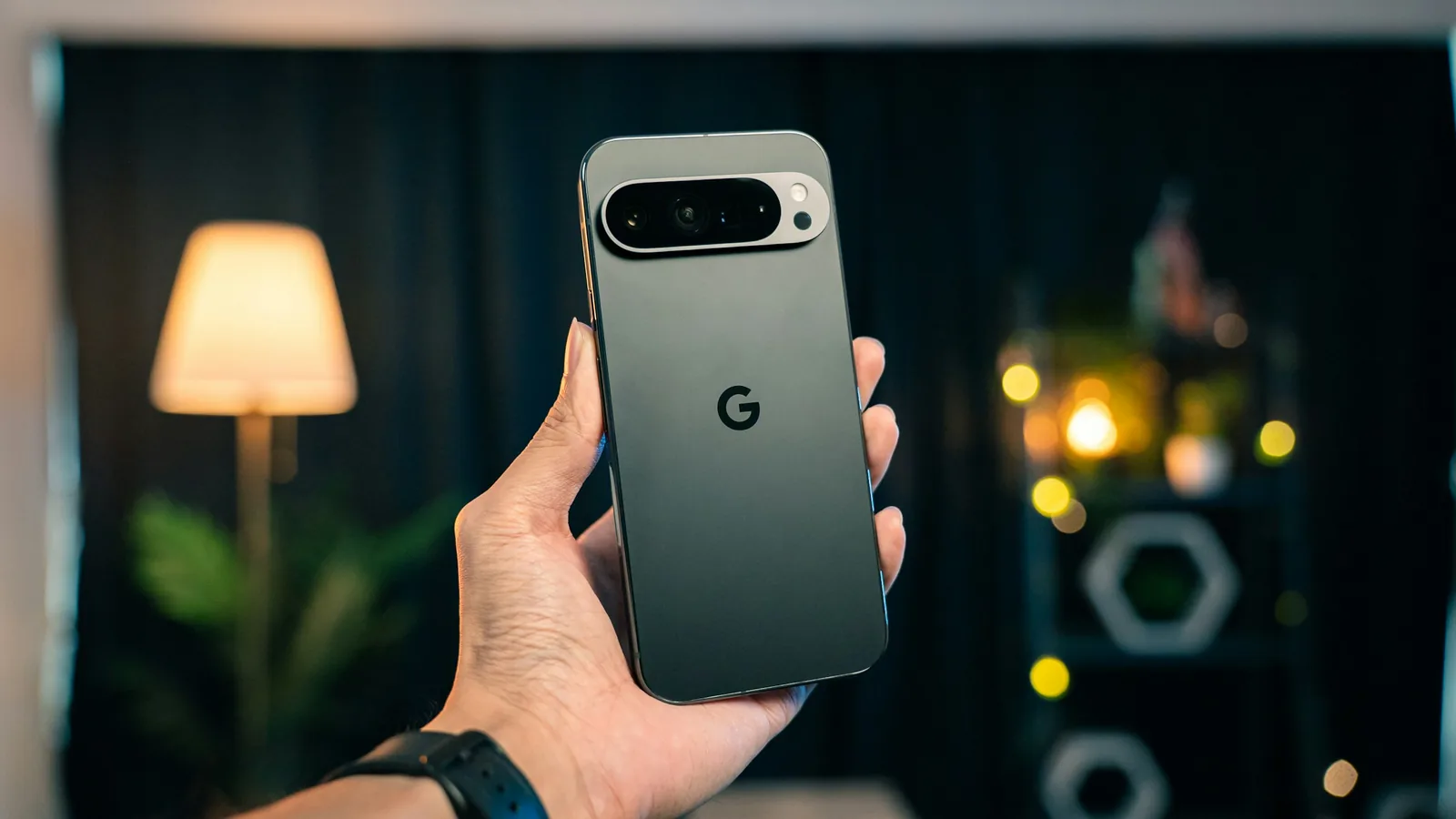
If you still use a Pixel 6 or Pixel 6 Pro, this is the month its update window closes. Google promises these phones 5 years of OS and security updates, counted from when they first went on sale on the US Google Store (Google Pixel Help). The Pixel 6 launched in October 2021, so the window ends in October 2026.
Before anything else, make sure you have the final patch:
Not necessarily this week. But plan for it in the next few months, and sooner if your phone is your main way into your bank, work email or password manager.
Until then, three habits lower the risk:
When you move, Google’s setup copies most of your data from the old Pixel. Back up your photos first in Google Photos.
No tray, no tiny card, no paperclip. eSIM is how most new phones in the US connect now, and setup takes a few minutes.
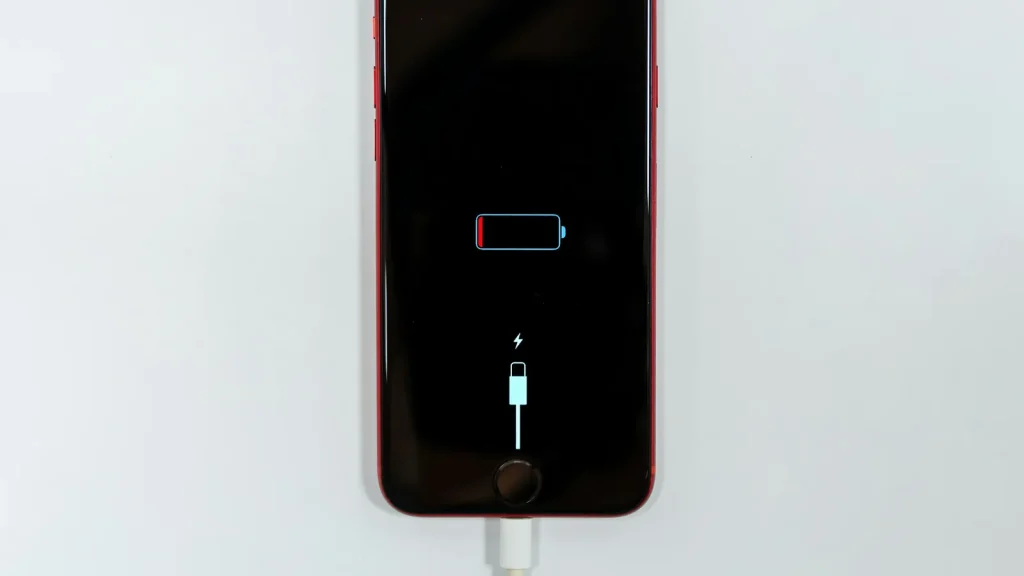
87% doesn't mean your battery is dying. Here's how to read Battery Health, according to Apple.
Android already has a cleanup tool built in. Most people never open it.
Essential cookies keep DGTULS working and are always on. Optional cookies help us measure traffic and show ads. Accept, reject or choose which ones to allow. Learn more in our Cookie Policy, Privacy Policy and Terms of Use.
Your browser's privacy signal is on: ads personalization is off.
Your browser's privacy signal is on: ads personalization is off.
Keeps you signed in, protects forms, and stores this choice.
Counts visits with Google Analytics only after you allow it.
Used by ads and affiliate pixels if those scripts are turned on.
None found on the site.
Set by embedded players such as YouTube, if you load them.