

What is eSIM? How to set it up on iPhone and Android
No tray, no tiny card, no paperclip. eSIM is how most new phones in the US connect now, and setup takes a few minutes.
Guide
Before you pay for a bigger iPhone or more iCloud, check what's actually using the space. It's usually three things.
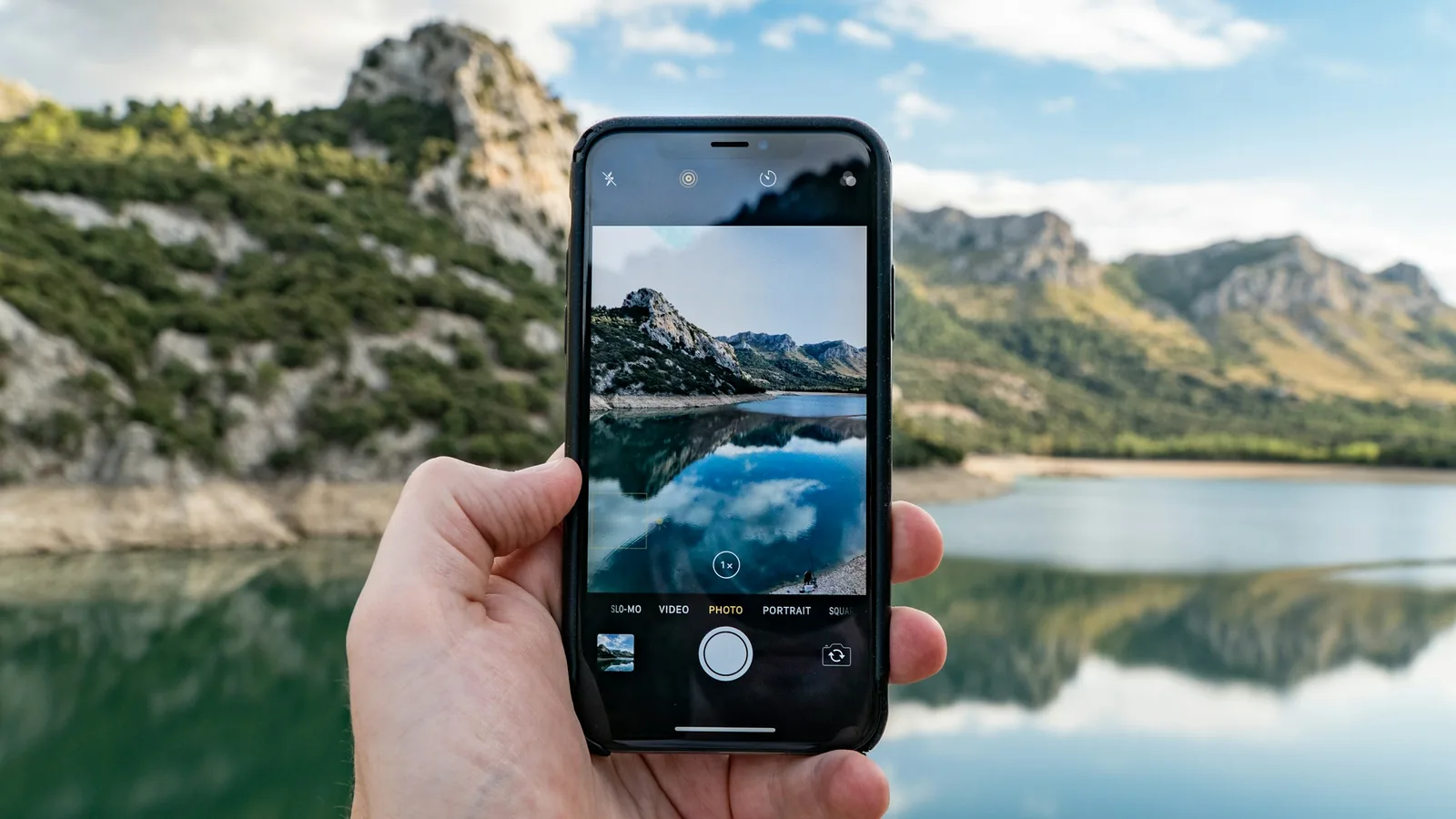
“iPhone Storage Full” usually shows up at the worst time. The fix is rarely a bigger phone. On most iPhones, videos, a few large apps and old message attachments take most of the space.
Settings > General > iPhone Storage (Apple Support). Give it a few seconds to load. You’ll see a color bar by category and a list of apps sorted by size.
At the top of the same screen, Apple suggests fixes for your phone. Tap Show All, read each one, and tap Enable on the ones you want. Common ones: reviewing large videos, auto-deleting old conversations and offloading unused apps.
Tap an app in the list, then Offload App. This removes the app but keeps its documents and data. Reinstall it later and you carry on where you left off. Delete App removes the app and its data, so use that only for apps you’re done with.
Apple can do this automatically with the Offload Unused Apps recommendation.
In the Photos app, open Media Types > Videos. A few minutes of 4K video can take more space than a thousand photos. Delete the outtakes, then empty Recently Deleted (items stay there for 30 days otherwise).
In iPhone Storage, tap Messages to review large attachments (photos, videos, GIFs) from old conversations. You can delete them without deleting the conversation.
If you use iCloud Photos, turn on Optimize iPhone Storage in Settings > Photos. Your full-size originals stay in iCloud and the phone keeps smaller versions. You’ll need enough iCloud space: the free 5 GB fills fast. Our comparison: iCloud vs Google Photos storage.
Streaming, podcast and map apps store downloads that are easy to forget. Open the app and remove old downloaded episodes, playlists, movies and offline maps.
Apple says System storage is used by the operating system and varies by device, and “Other” includes caches, logs, Siri voices and similar data. You can’t clear these directly. iOS removes cached and temporary files itself when it needs space. If they look huge, restarting the phone and installing the latest update often helps.
Start with steps 1–4: they free the most space in the least time. Only pay for more storage, on your phone or in iCloud, once you’ve done them, and only if you’re still full.
Prices checked on 2026-10-23.
No tray, no tiny card, no paperclip. eSIM is how most new phones in the US connect now, and setup takes a few minutes.
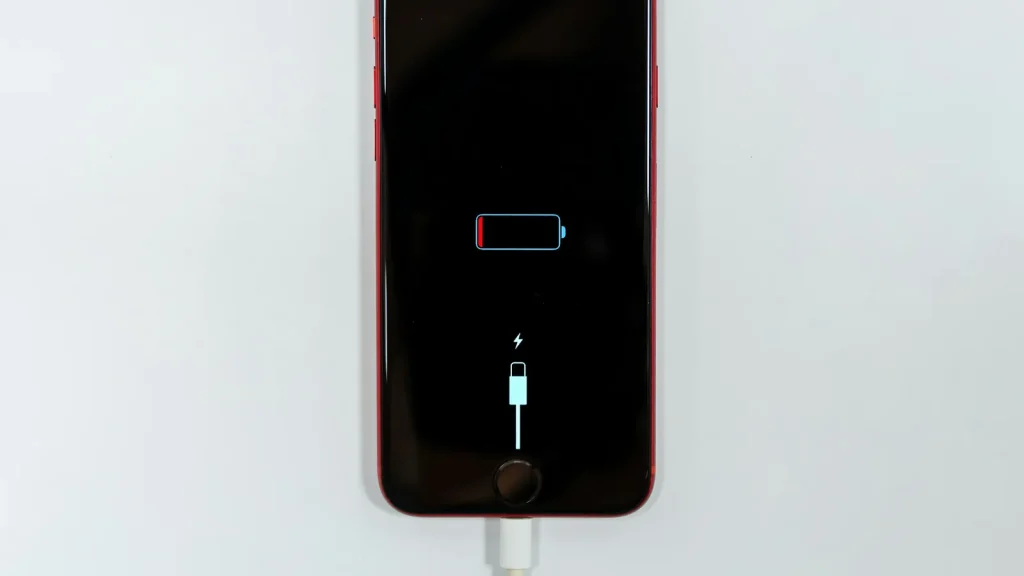
87% doesn't mean your battery is dying. Here's how to read Battery Health, according to Apple.
Android already has a cleanup tool built in. Most people never open it.
Essential cookies keep DGTULS working and are always on. Optional cookies help us measure traffic and show ads. Accept, reject or choose which ones to allow. Learn more in our Cookie Policy, Privacy Policy and Terms of Use.
Your browser's privacy signal is on: ads personalization is off.
Your browser's privacy signal is on: ads personalization is off.
Keeps you signed in, protects forms, and stores this choice.
Counts visits with Google Analytics only after you allow it.
Used by ads and affiliate pixels if those scripts are turned on.
None found on the site.
Set by embedded players such as YouTube, if you load them.