

What is eSIM? How to set it up on iPhone and Android
No tray, no tiny card, no paperclip. eSIM is how most new phones in the US connect now, and setup takes a few minutes.
Guide
You can't make spam calls disappear, but you can stop most of them from ringing. Start with the settings already on your phone.
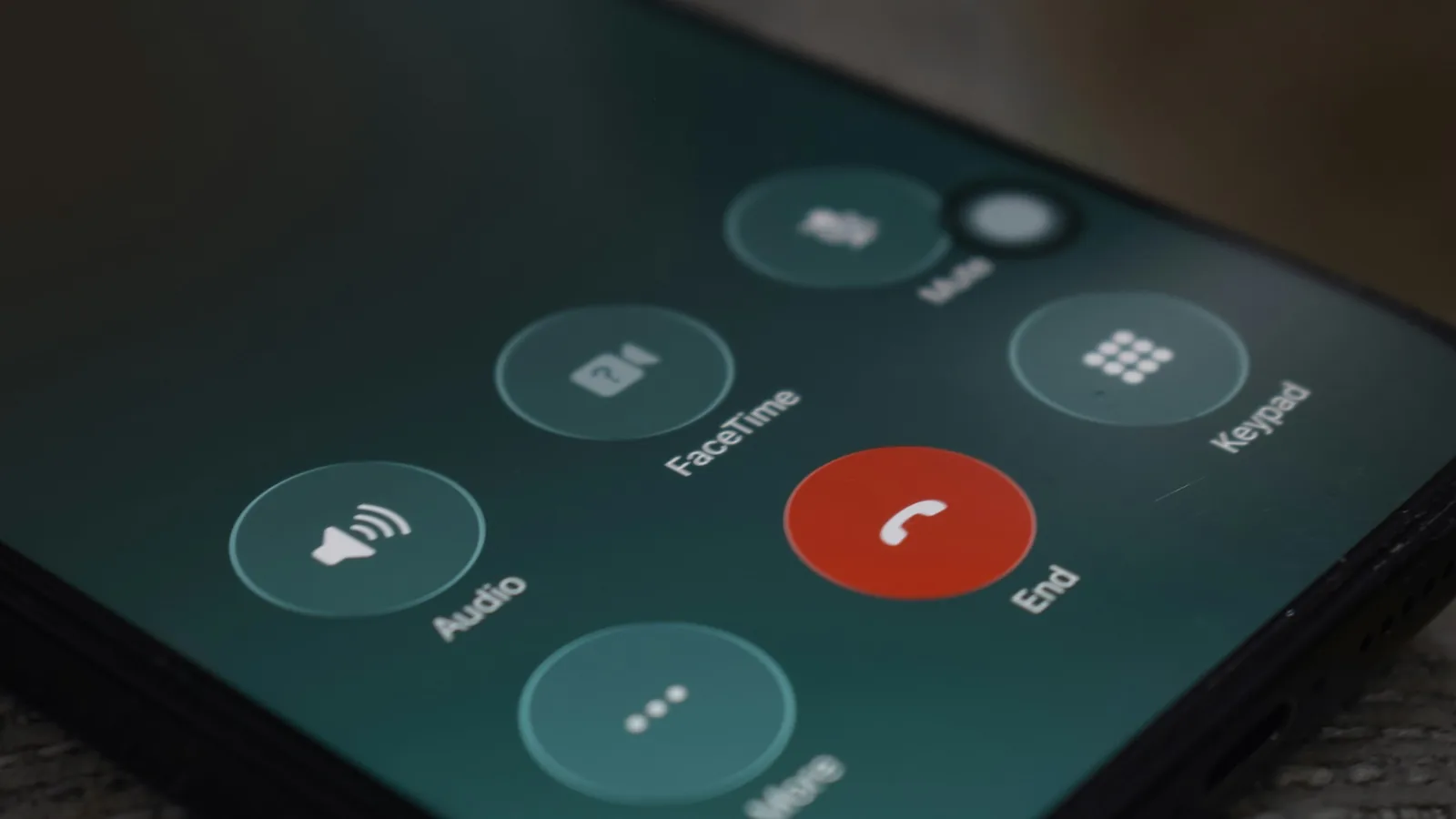
Most spam calls can be stopped before your phone rings, using settings that are already on your phone. Here’s the order we’d do it in: built-in screening first, then your carrier, then the Do Not Call Registry, and report the calls that still get through.
On recent iOS versions (Apple Support):
Before you do it, save the numbers that matter as contacts: your doctor, your kid’s school, the pharmacy and delivery services. Saved contacts always ring through. Calls aren’t screened while you’re roaming, and calling 911 turns screening off for 24 hours.
Pixel’s Call Screen can answer suspicious calls for you (Google Help):
Automatic screening works in the US and a few other countries. It doesn’t run while roaming, and it may not work while Bluetooth headphones are connected.
Samsung Galaxy: look in the Phone app’s settings for caller ID and spam protection, and Scam Detection on One UI 9.
All major US carriers offer free spam-blocking or call-labeling tools, and some sell paid upgrades. The FCC keeps a list of carrier call-blocking resources. The FTC suggests asking your provider what’s free before paying for an app (FTC).
Add your number at donotcall.gov. It stops sales calls from companies that follow the law. It doesn’t stop scammers, but with fewer legitimate sales calls, the scams are easier to spot.
The FTC’s advice: hang up, don’t call back, and don’t press any number, not even “press 1 to be removed.” Then report it:
Include your number, the caller ID number (even if you think it’s fake), any callback number, and the date and time.
They can help, but read the privacy policy first: some want access to all your contacts, and some charge a fee. Try the free built-in tools for two weeks before you add an app.
On iPhone, Ask Reason for Calling is the best balance: real people say why they’re calling, and robocalls usually hang up. On a Pixel, automatic Call Screen does the same job. Save your important numbers first, and most of the noise goes away.
Prices checked on 2026-10-23.
No tray, no tiny card, no paperclip. eSIM is how most new phones in the US connect now, and setup takes a few minutes.
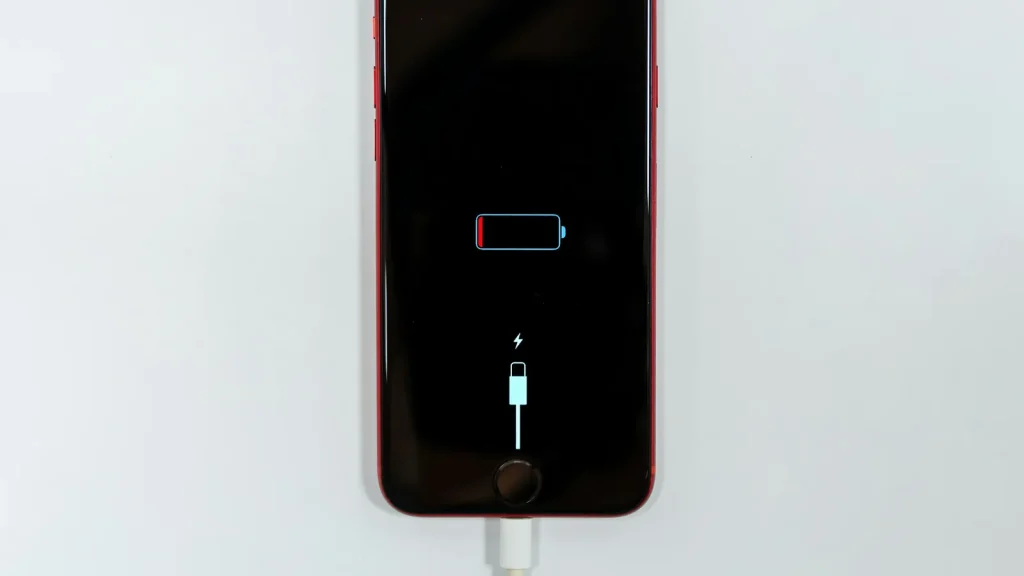
87% doesn't mean your battery is dying. Here's how to read Battery Health, according to Apple.
Android already has a cleanup tool built in. Most people never open it.
Essential cookies keep DGTULS working and are always on. Optional cookies help us measure traffic and show ads. Accept, reject or choose which ones to allow. Learn more in our Cookie Policy, Privacy Policy and Terms of Use.
Your browser's privacy signal is on: ads personalization is off.
Your browser's privacy signal is on: ads personalization is off.
Keeps you signed in, protects forms, and stores this choice.
Counts visits with Google Analytics only after you allow it.
Used by ads and affiliate pixels if those scripts are turned on.
None found on the site.
Set by embedded players such as YouTube, if you load them.