

What is eSIM? How to set it up on iPhone and Android
No tray, no tiny card, no paperclip. eSIM is how most new phones in the US connect now, and setup takes a few minutes.
Guide
Good news: Apple didn't drop a single iPhone this year. Here's the list, and how to update without losing anything.

Short answer: if your iPhone runs iOS 26, it can run iOS 27. Apple didn’t remove any models this year (AppleInsider). iOS 27 came out on September 14, 2026, and iOS 27.0.1 followed on September 28 (Apple security releases).
Not sure which model you have? Settings > General > About > Model Name.
One catch: some Apple Intelligence features need newer, more powerful iPhones, so an older model can run iOS 27 without getting every feature.
You can stay on iOS 26 for now. Apple kept releasing security updates for it alongside iOS 27: iOS 26.7.1 came out on September 28, 2026 (Apple). In Software Update, look for the option to install the latest iOS 26 update instead of upgrading.
That’s fine for a while, but don’t stay behind forever. Over time, the newest fixes go to the newest version first.
An iPhone XS, XR or older can’t run iOS 26 or 27. It still works, but it no longer gets the newest security fixes, so:
This is one of the best years to own an older iPhone: an iPhone 11 from 2019 still gets the newest iOS. Update after a quick backup, turn on automatic updates, and you’re covered.
Prices checked on 2026-10-23.
No tray, no tiny card, no paperclip. eSIM is how most new phones in the US connect now, and setup takes a few minutes.
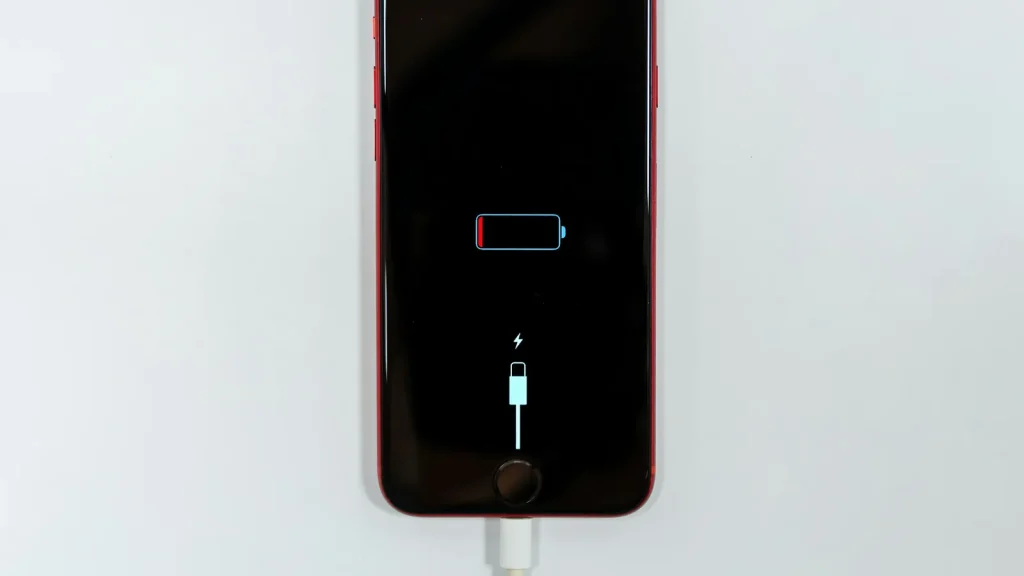
87% doesn't mean your battery is dying. Here's how to read Battery Health, according to Apple.
Android already has a cleanup tool built in. Most people never open it.
Essential cookies keep DGTULS working and are always on. Optional cookies help us measure traffic and show ads. Accept, reject or choose which ones to allow. Learn more in our Cookie Policy, Privacy Policy and Terms of Use.
Your browser's privacy signal is on: ads personalization is off.
Your browser's privacy signal is on: ads personalization is off.
Keeps you signed in, protects forms, and stores this choice.
Counts visits with Google Analytics only after you allow it.
Used by ads and affiliate pixels if those scripts are turned on.
None found on the site.
Set by embedded players such as YouTube, if you load them.