
What is eSIM? How to set it up on iPhone and Android
No tray, no tiny card, no paperclip. eSIM is how most new phones in the US connect now, and setup takes a few minutes.
Guide
Samsung's big fall update is on Galaxy S26 phones now. Skip the feature list and start with these.
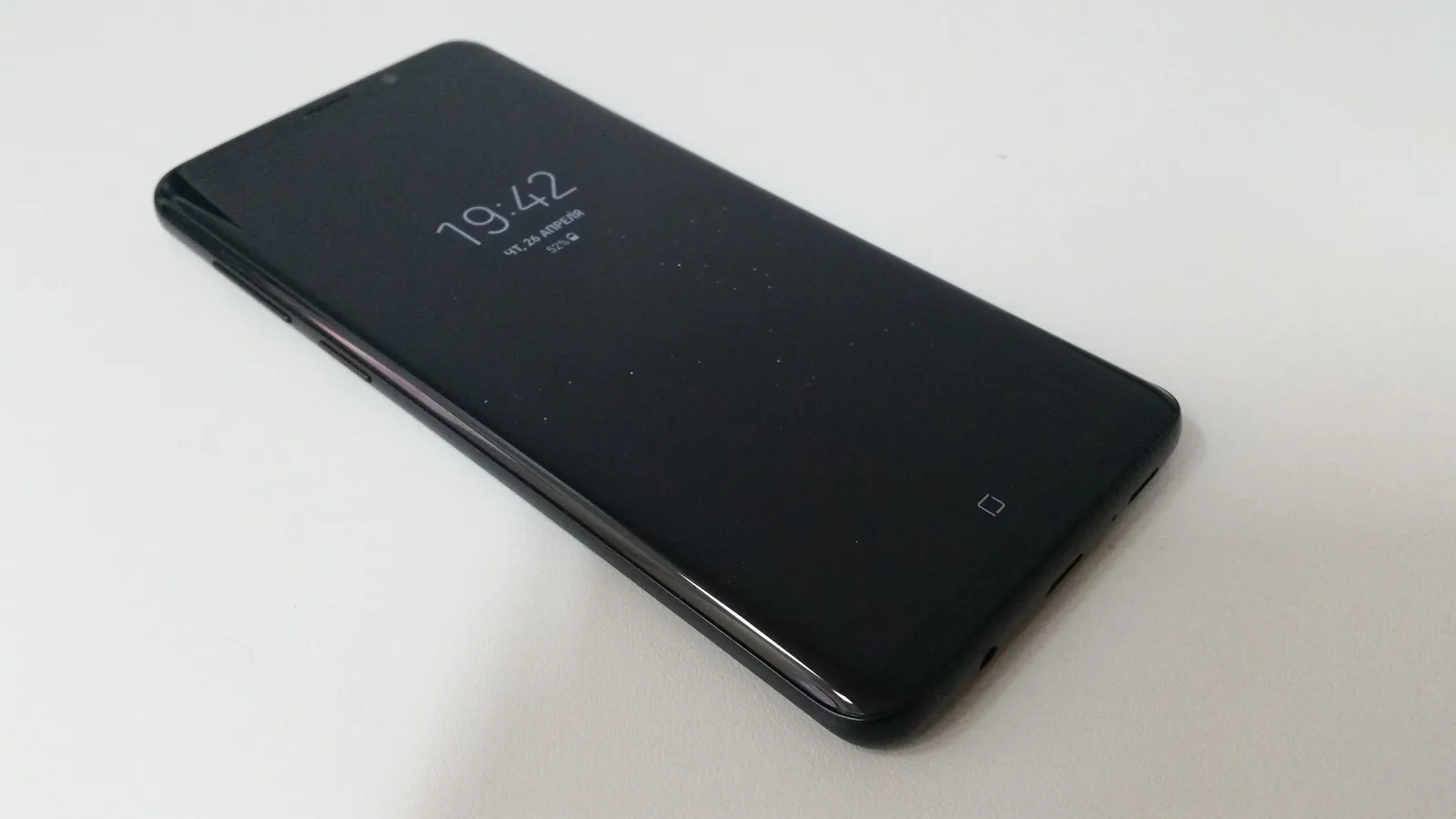
Samsung started rolling out One UI 9 to the Galaxy S26, S26+ and S26 Ultra on September 16, after it debuted on the Galaxy Z Fold8 and Flip8. Samsung says other Galaxy devices will follow “gradually”, without dates (Samsung press release).
If you’ve installed it, here’s where we’d start. Feature names are Samsung’s. Some need a Samsung Account, and availability can vary by country and carrier.
First, check you have it: Settings > Software update > Download and install.
Now Brief, Samsung’s daily summary screen, can now show security alerts: malware, apps installed from unknown sources and apps with permissions they don’t need. This is the one to turn on first. It brings problems to you instead of hiding them three menus deep.
One UI 9 uses on-device AI to flag when an app tries to use a permission in the background. If a flashlight app wants your location while you’re not using it, you’ll hear about it.
Samsung’s call Scam Detection now covers more languages and countries. If you’re in the US, check that it’s on in your Phone app settings, and save your real contacts so they’re never flagged.
A new section in Settings shows your warranty coverage, runs self-diagnostics, gives repair estimates and manages Samsung Care+. Run the diagnostics before you take your phone to a shop. It’s free and it tells you what’s actually wrong.
You can now choose which health, weather and video cards appear in Now Brief. Remove the ones you never read; a shorter brief is one you’ll actually look at.
Live translation now shows a conversation as a thread, and Conversation Mode is faster. Useful when you travel, or talk with family in another language.
The camera’s document scanner handles curved book pages and folded corners better. If you scan receipts or forms, try it before you install a scanning app.
Recordings can now be summarized with headings and tables. It’s handy for lectures and meetings, but tell people when you’re recording.
Most of the headline AI features are nice extras. The update’s real value is in the quieter changes: Security Brief, privacy alerts and Warranty and Care make a Galaxy easier to keep safe and repair. Install it, turn those on, and ignore the rest until you’re curious.
Prices checked on 2026-10-23.
No tray, no tiny card, no paperclip. eSIM is how most new phones in the US connect now, and setup takes a few minutes.
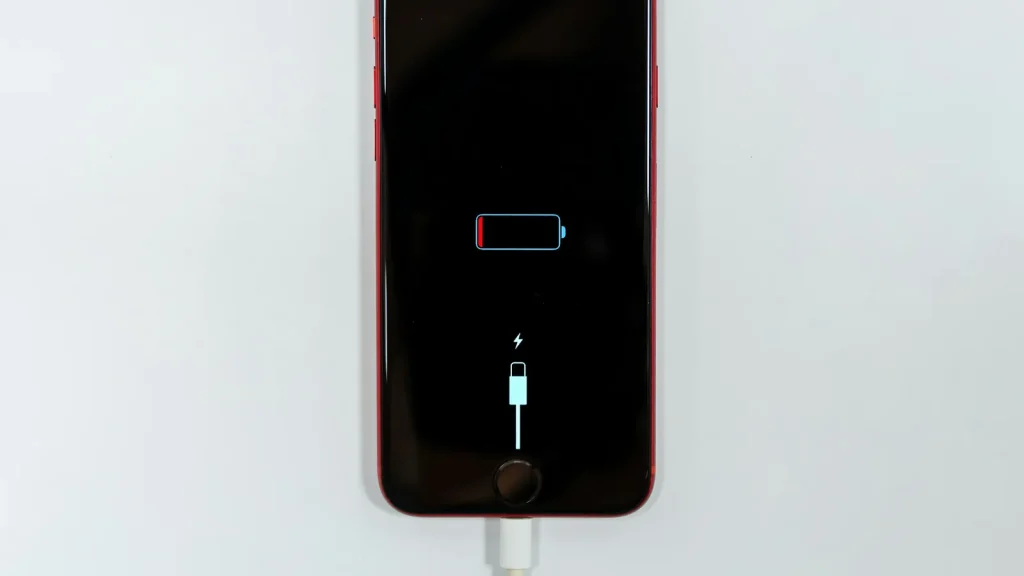
87% doesn't mean your battery is dying. Here's how to read Battery Health, according to Apple.
Android already has a cleanup tool built in. Most people never open it.
Essential cookies keep DGTULS working and are always on. Optional cookies help us measure traffic and show ads. Accept, reject or choose which ones to allow. Learn more in our Cookie Policy, Privacy Policy and Terms of Use.
Your browser's privacy signal is on: ads personalization is off.
Your browser's privacy signal is on: ads personalization is off.
Keeps you signed in, protects forms, and stores this choice.
Counts visits with Google Analytics only after you allow it.
Used by ads and affiliate pixels if those scripts are turned on.
None found on the site.
Set by embedded players such as YouTube, if you load them.