

What is eSIM? How to set it up on iPhone and Android
No tray, no tiny card, no paperclip. eSIM is how most new phones in the US connect now, and setup takes a few minutes.
News
OfficialSource: Google Security Blog, Oct 20, 2026, and Chrome Help.
Google's newest Chrome defenses target fake tech support, fake updates and "paste this command" scams. You have to switch one setting on to get them.

On October 20, Google announced three new scam defenses for Chrome (Google Security Blog). They’re useful, but there’s a catch: all three are for people who use Chrome’s Enhanced protection, which isn’t Chrome’s default setting.
On a computer (Chrome Help):
On Android or iPhone: in Chrome, tap More, then Settings, then Privacy and security, then Safe Browsing, and choose Enhanced protection.
Enhanced protection sends more data to Google than Standard protection: the URLs you visit, a small sample of page content, extension activity and some system information, so Google can check for threats in real time. Google says this is “only used for security purposes” (Chrome Help). If you’re signed in, it can also extend protection to your Google Account, including Gmail.
That’s a real trade-off. For most people, especially anyone who’s set up a parent’s or grandparent’s computer, we think the protection is worth it.
No real company asks you to copy a command into PowerShell, Terminal or the Run box to fix your browser, verify you’re human or install an update. If a web page asks you to do that, close it.
Prices checked on 2026-10-23.
No tray, no tiny card, no paperclip. eSIM is how most new phones in the US connect now, and setup takes a few minutes.
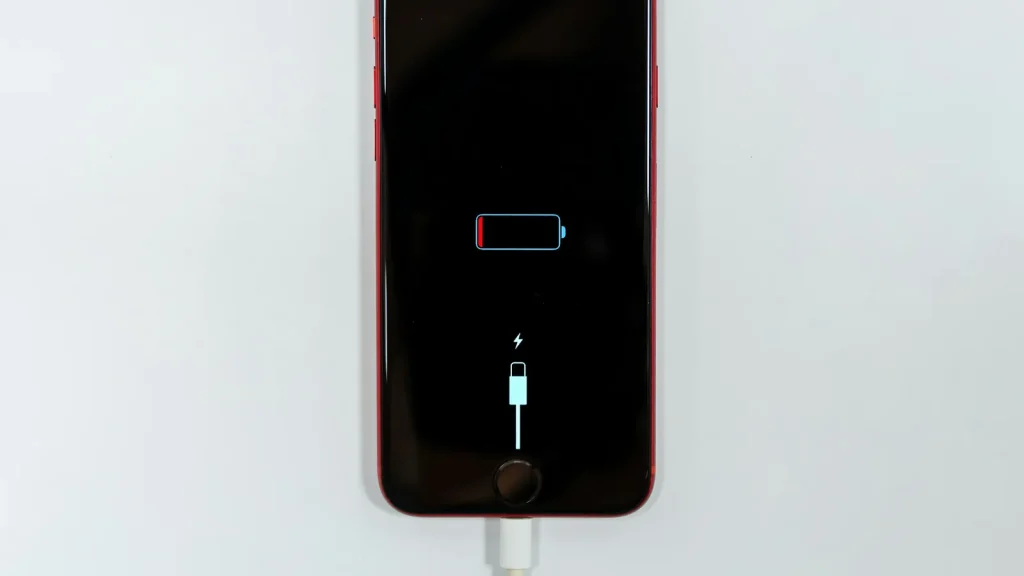
87% doesn't mean your battery is dying. Here's how to read Battery Health, according to Apple.
Android already has a cleanup tool built in. Most people never open it.
Essential cookies keep DGTULS working and are always on. Optional cookies help us measure traffic and show ads. Accept, reject or choose which ones to allow. Learn more in our Cookie Policy, Privacy Policy and Terms of Use.
Your browser's privacy signal is on: ads personalization is off.
Your browser's privacy signal is on: ads personalization is off.
Keeps you signed in, protects forms, and stores this choice.
Counts visits with Google Analytics only after you allow it.
Used by ads and affiliate pixels if those scripts are turned on.
None found on the site.
Set by embedded players such as YouTube, if you load them.