GitHub Copilot Review (2026): Plans, AI Credits, Features
The AI assistant that works in almost every editor. Since June it bills by AI credits, and that changes how you should pick a plan.
Review AI Assistants
DGTULS may earn a commission when you purchase through links on our site. This never affects our ratings or which products we recommend.
How we reviewed this: this review is based on Google’s official subscription and developer pages, checked on the dates shown. We’ll add hands-on testing notes in a future update. We don’t give a score until we’ve tested a tool.
Gemini is Google’s AI assistant. You don’t buy it alone: it comes in Google AI plans that also bundle storage, video tools and, on higher tiers, other Google services. Paid plans start at $4.99/month in the US (checked October 18, 2026; Google).
From Google’s subscription page:
Google notes that “usage limits, features, and availability can vary by region and subscription tier.”
US prices checked on October 18, 2026 (Google).
| Plan | Price | Highlights |
|---|---|---|
| Free | $0 | Flash-Lite model, image generation, Deep Research, Gemini Live, Canvas, Gems, 15 GB storage |
| Google AI Plus | $4.99/month | “2x higher usage access than Free.” Flash model, video generation, 200 Flow credits, 400 GB storage |
| Google AI Pro | $19.99/month | “4x higher usage access than Free.” Pro models, 1,000 Flow credits, higher Jules limits, YouTube Premium Lite, 5 TB storage |
| Google AI Ultra | From $99.99/month | Highest model access, 10,000+ Flow credits, YouTube Premium, 20 TB+ storage. A $199.99 tier offers “20x higher usage limits vs. AI Pro” |
Google retired Gemini CLI and the Gemini Code Assist IDE extensions for consumer accounts on June 18, 2026. Coding now goes through Antigravity, which has a free tier for individuals and higher limits on Google AI Pro and Ultra (Antigravity). See our news story.
Compare it head to head: ChatGPT vs Gemini.
Gemini is the best value if you'd pay for Google storage anyway. If you don't use Google's apps much, the bundle is less of a bargain and ChatGPT or Claude may fit better.
Gemini is the best value if you'd pay for Google storage anyway. If you don't use Google's apps much, the bundle is less of a bargain and ChatGPT or Claude may fit better.
The AI assistant that works in almost every editor. Since June it bills by AI credits, and that changes how you should pick a plan.
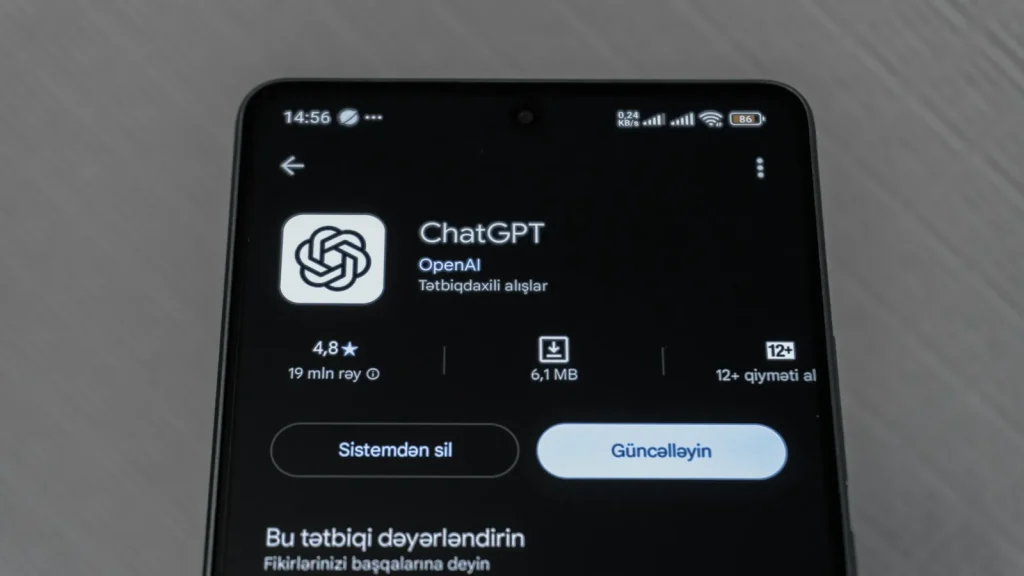
The broadest AI assistant you can buy, with a coding agent included. The plan you pick decides which models you actually get.

Claude is a broad AI assistant with a serious coding tool built in. The plan you pick depends on how hard you'll push the usage limits.
Essential cookies keep DGTULS working and are always on. Optional cookies help us measure traffic and show ads. Accept, reject or choose which ones to allow. Learn more in our Cookie Policy, Privacy Policy and Terms of Use.
Your browser's privacy signal is on: ads personalization is off.
Your browser's privacy signal is on: ads personalization is off.
Keeps you signed in, protects forms, and stores this choice.
Counts visits with Google Analytics only after you allow it.
Used by ads and affiliate pixels if those scripts are turned on.
None found on the site.
Set by embedded players such as YouTube, if you load them.